I had a shitty day at work, and worked right up until dinner was ready. While eating dinner, we noticed that the table light wasn’t acting right. It turned on and off seemingly randomly, and then started strobing a bit. The on/off action was way faster than would be possible if it was from remote commands/automations. Most smart switches have an “air gap” tab just underneath the switch, which can be pulled out with a small screwdriver or a knife in order to kill power to the switch. I pulled the air gap tab on the switch. When I pressed it back in, it immediately started doing the same thing. This was an old first-generation GE Z-wave smart dimmer, which had been installed and working well for over a decade. I figured it had failed and decided I would just replace it later that evening, since I have spares on-hand. We ate in the dark. It has been snowing basically continuously for weeks, so after dinner I had to clear snow. My son likes to run the snow blower, but I still have to be outside with him while he does it. I usually shovel the tighter spots while he clears the driveway and walking paths. The temp is about -8F, so it was every bit as enjoyable as you’d imagine.
When we came inside, my fingers were swollen and painful from being so cold, but I wanted to get the switch fixed so I could relax for the rest of the evening. The switch, a simple 2-way, is in a 3-gang box for the lights on that side of the kitchen. The switch in question is the center switch in the group. Smart switches are larger and deeper than regular switches, so the wiring in the box is always super tight and a royal pain in the ass to deal with. I was unsure which breaker this particular switch used, so I planned to attach a toner to the wire and identify the breaker by sweeping the breaker panel. I removed the wall plate, but I couldn’t get switch out of the wall far enough to attach a toner without really getting involved with the (live) wires.
Since I needed to determine which breaker it used, and this switch would no longer illuminate the light attached to it, I asked my wife to watch the lights attached to the adjacent switches while I flipped breakers. After flipping one of the breakers, she said all the lights shut off, so I knew I had the right breaker.
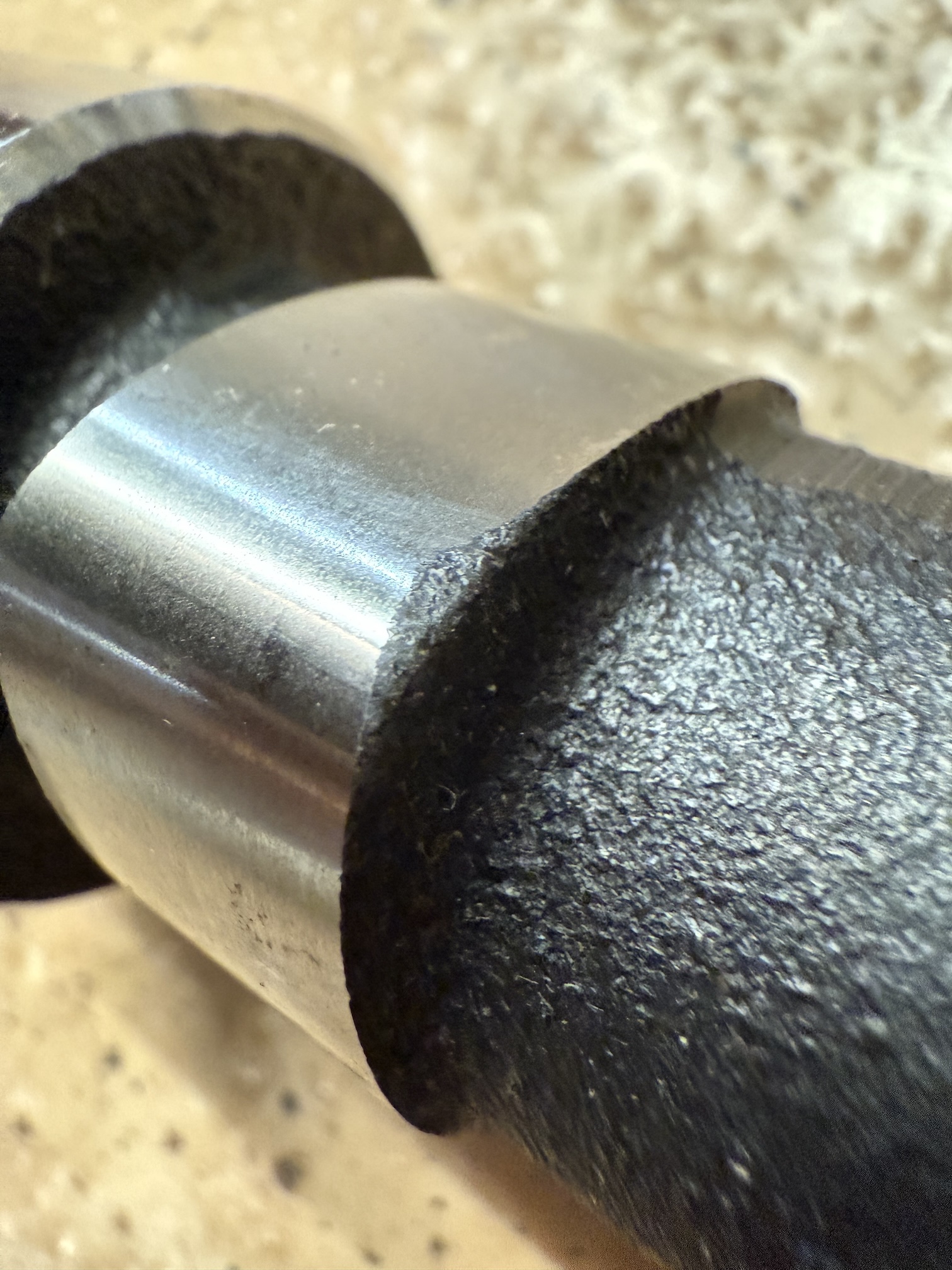
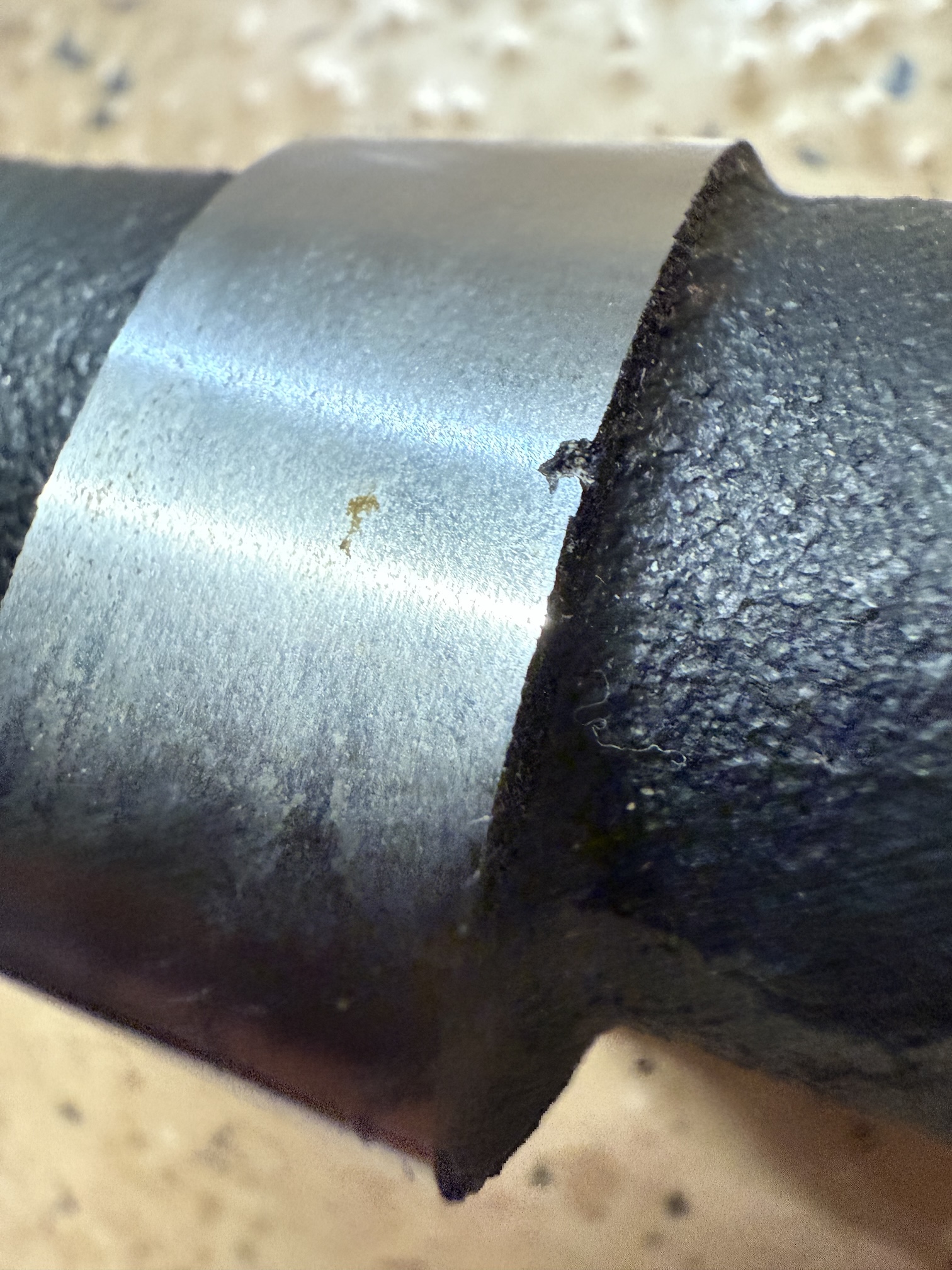
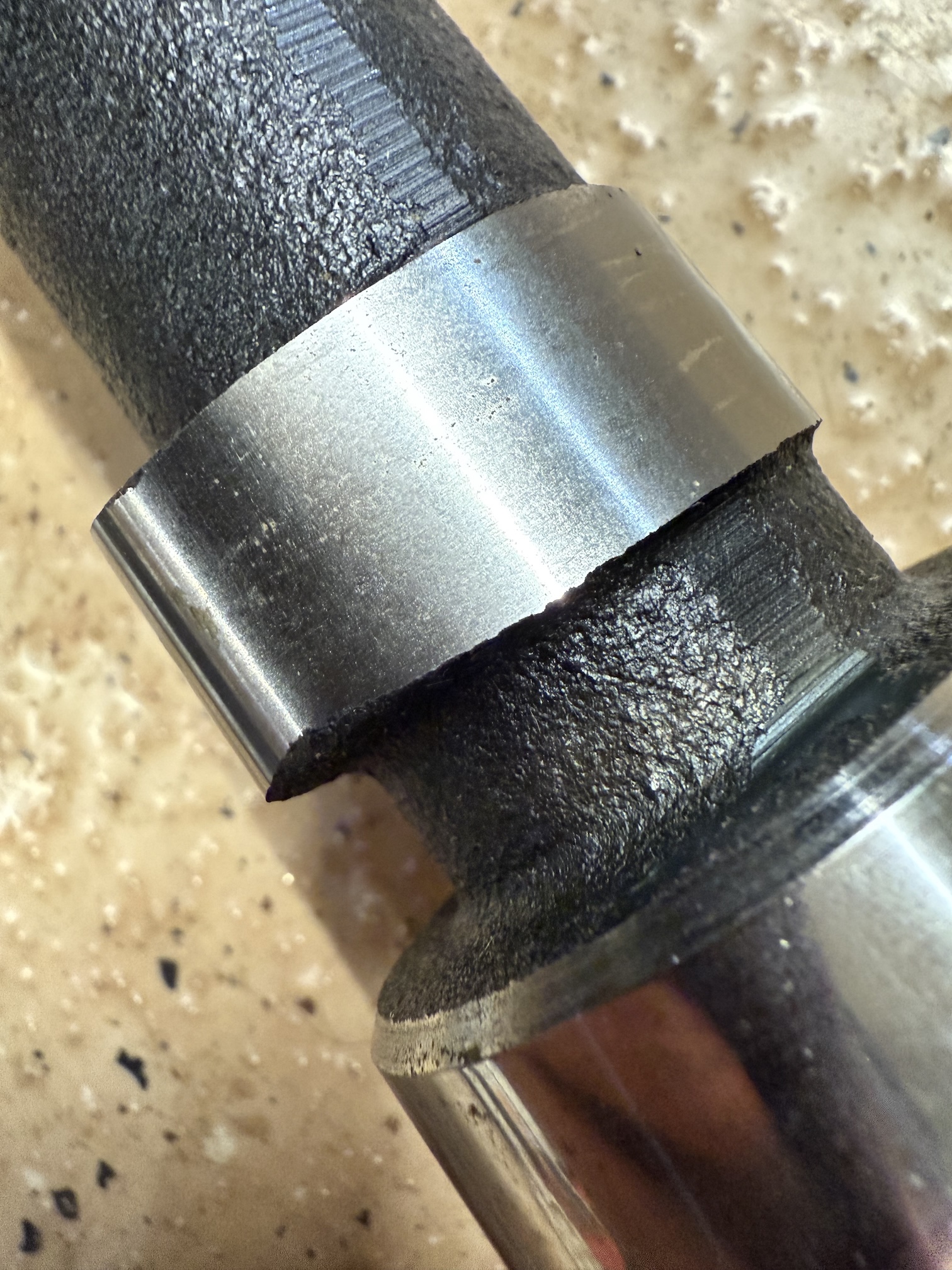
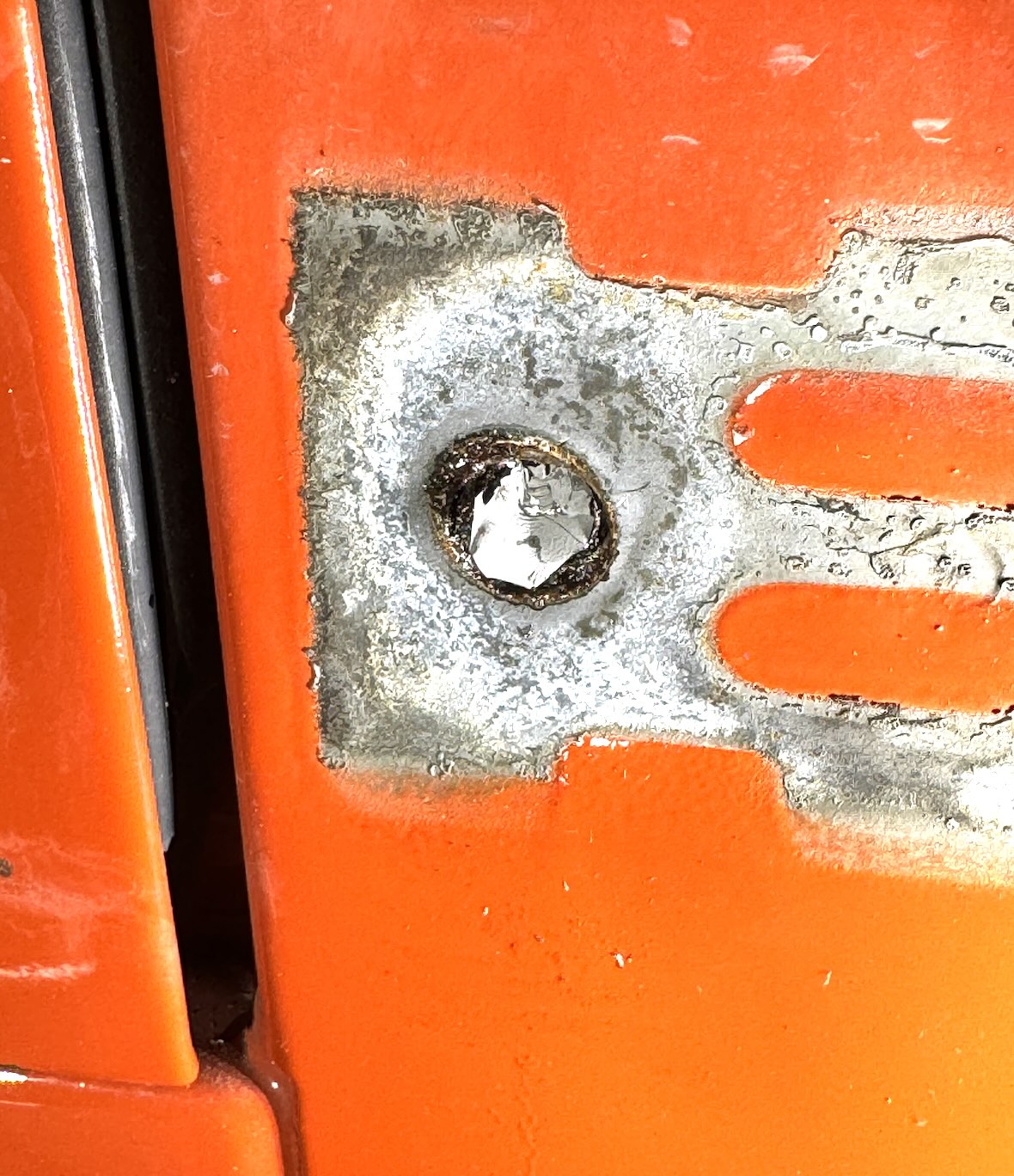
With the power cut, I was able to more aggressively pull on the switch and wiring, to get it far enough from the wall to unscrew the terminals. Smart switches, unlike old school switches, have a neutral attached to them. This means there are 4 wires attached to the switch. Most things in my house are wired with wrong colors, so sometimes even the simple things can be a journey of epic discovery. The ground, line, and load wires were removed without incident. While removing the neutral, my screwdriver briefly bridged the line to neutral and POP! I was electrocuted, there was a shower of sparks, and a glowing ember from the remains of the wire landed on the dog bed sitting beneath the switch and burned a hole in it. It also took a chunk out of the shaft of one of my favorite screwdrivers. Outstanding. How the fuck did this happen? Apparently this particular circuit is on a different breaker than the other two switches in the box. I should also mention that I own several non-contact voltage detectors which I affectionately refer to as “chicken sticks.” I usually use them to make sure power is off before messing with stuff like this. I even had one with me, but I was already so frustrated with the process that I skipped testing with it. Lesson learned, don’t trust your wife with electricity.
Naturally, at this point I use the chicken stick to ensure the firework show had tripped the breaker associated with the circuit I am actively working on. It did. Having now confirmed, for the second time, that the circuit had no power, I proceeded to wire up the new switch. I should mention this isn’t actually a new switch. I am installing an Inovelli Z-wave switch that I bought used a while ago, because this lamp doesn’t need anything fancy.
With the switch wired and installed back in the box, it’s now time to pair the switch to the Hubitat hub. Since I have several automations and services tied to this switch, the process of replacing the old switch with the new switch is more complicated than a typical device pairing. I need the new switch to take the place of the ID the original switch used, so that I don’t need to re-bind all of the services and automations associated with it. Z-wave is a now ancient technology that connects smart devices on the 900MHz band. Z-wave devices must be “included” (added to a network) or “excluded” (removed from a network) by a very specific song and dance which varies with every type and model of device. The old GE switch I am replacing, which is the same as most of the switches in my house, uses the same button sequence to enter both include and exclude mode. It enters the include/exclude mode by simply tapping the on or off button on the switch. The Inovelli switch I am replacing it with requires you to tap the auxiliary button rapidly, 3 times. Some devices have a visual indication for the pairing status, and some don’t. If this process is not followed exactly, any number of weird things can happen and you will not succeed. The variance and also particularity of this process is one of the reasons I try to avoid Z-wave devices nowadays.
I decided that even though I’ve grown hate Z-wave, it would be easier to replace this Z-wave switch with another Z-wave switch so that the process could be simplified by using the “replace” feature in the smart home hub. Hubitat’s Z-wave “replace” process, like most Z-wave processes, is a bit finicky. You have to view the Z-wave network details, find the switch in question, initiate a refresh, allow the refresh to fail (sometimes takes multiple attempts), and only at this point will the hub present an option to replace the device. The “replace” option initiates the Z-wave pairing process, but instead of pairing the new switch as a new device it will assume the identity of the failed switch. The process is always a bit of a crap shoot on whether it works properly.
I initiated the Z-wave replace process, and started the inclusion mode on the replacement switch. The hub said the replace was successful, but the switch indicated pairing had failed with a red LED light. Perfect. Since I purchased this switch used, I thought maybe the switch was still paired with another hub and I decided to reset it by performing an exclusion. I put the hub in exclusion mode and initiated an exclude on the switch. This also failed (probably because the switch wasn’t still paired with its original hub). At this point I am frustrated and cursing myself for trying to take the easy route and replace a Z-wave switch with another Z-wave switch. Have I mentioned I fucking hate how much of a pain in the ass Z-wave can be during the pairing process?
On a whim, I started trying to remotely control the switch from the hub. The hub acted like the switch was turning on and off, but nothing was happening to the light. I tried physically pressing the switch to turn the light on and off, and to my surprise the hub showed the light turning on and off. So, the switch was somehow half-paired with the hub. Brilliant. I tried a couple more times to turn the light on and off from the hub, and nothing happened. It was at this point that my wife said, “Is the light in the living room supposed to be turning on and off?” FML. Apparently at the exact moment I initiated the Z-wave “replace” on the hub, she turned that light (and also the ceiling fan) on from the smart switches in the living room, which inadvertently put them in inclusion mode. The hub thought that was the device I was trying to replace, and mapped everything to the living room light. Since the fan switch was also pressed during the process, it somehow messed up the pairing of that switch as well.
At this point, all of the automations tied to the kitchen table lights are now turning the living room lights on and off, and the fan switch is completely catatonic. I cannot turn the fan on or off from the switch or from the hub. When I turn it on, the fan moves about 6″ and the switch immediately turns itself back off. I tried excluding the switch and it had no effect. This has gone well.
I did some more troubleshooting and realized that the replacement switch for the kitchen table paired itself under a new name, and I was able to control the light remotely! I still had to move all the automations that were now bound to the living room light back to the kitchen table light, but that is at least doable. Upon further testing, I noticed that when I press the buttons on the switch, the hub reports that I am “holding” or “double tapping” the buttons, which is not correct. This will mess with some of my automations, so I need to figure it out. At this point I notice some of the other switches in the house are acting weird. Given all the weirdness, I decide to punt and just reboot the hub to see if that helps. When it comes back online, the switches (with the exception of the fan controller) all start behaving normally! I have no idea what happened to get it in that funky state, but at this point I’ll take the win.
But what the fuck happened to the living room fan switch? Why is it dead, even when using the physical buttons? Given my consistently bad luck, I assumed that switch had also coincidentally failed and decided I needed to replace it. I don’t have any spare fan control switches on-hand, so I decided to just reinstall one of the original “dumb” fan control switches for the time being. I am glad I keep all the original switches in a bin in the basement when I replace them with smart switches.
What should’ve been a 10 minute process has turned into an hour and a half, and I just want to be done. I’ve been electrocuted, ruined a fan controller, messed up my screwdriver, burned a hole in the dog bed, and inadvertently mapped a bunch of automations to another switch in the house. Basically a typical Friday night! I rename the new switch and re-map all of the automations to it. I test the dumb fan switch and it works fine. Everything seems ok. Why do I complicate my life with this shit?